Marathon OS
An independent OS
for your phone.
Built on open Linux standards, Marathon brings its own apps, Linux software and Android compatibility into one complete mobile experience. Designed to be secure, fast and efficient.
First alpha images coming to GitHub Releases. Device-specific installation required.
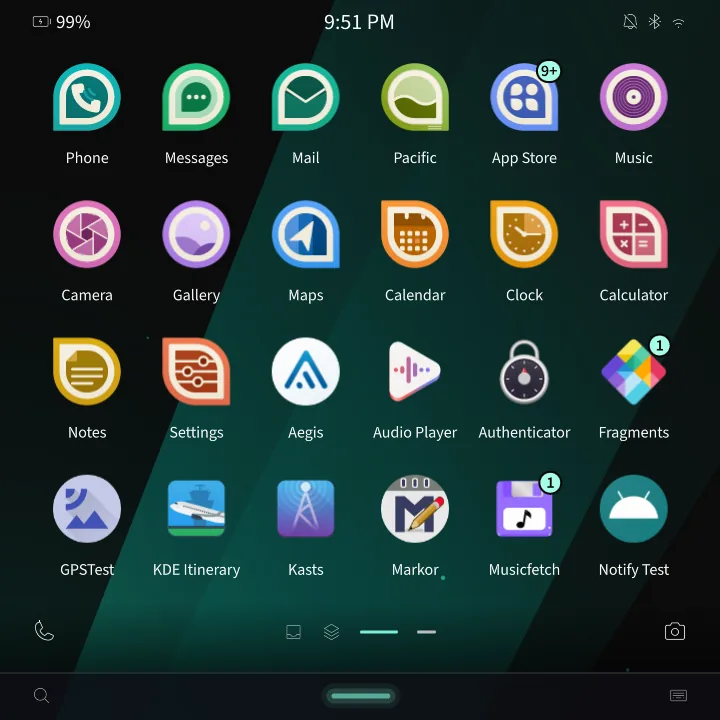
The project
A complete phone.
An open foundation.
Marathon’s goal is a viable alternative to Android and iOS for everyday use. Open code, established Linux standards and a platform anyone can build on make that independence sustainable.
Security, layer by layer.
Every app, whether Marathon, Flatpak or Android, has limits on resource use and file access. Cgroup v2, Landlock and permission checks enforce those boundaries, alongside device hardening and encryption.
Explore the security modelTuned for speed and efficiency.
Touch and rendering stay in sync. Apps prepare frames while the shell draws; foreground apps get processor and storage priority, while hidden windows are throttled to avoid wasted redraws.
Inside the performance workOpen and maintainable.
Public source and standard Linux interfaces let people inspect, maintain and extend the system.
Explore the sourceUsing Marathon
Keep your place.
Move between tasks.
Gestures connect your apps, open tasks and conversations. Here’s what that looks like on a real Marathon device.
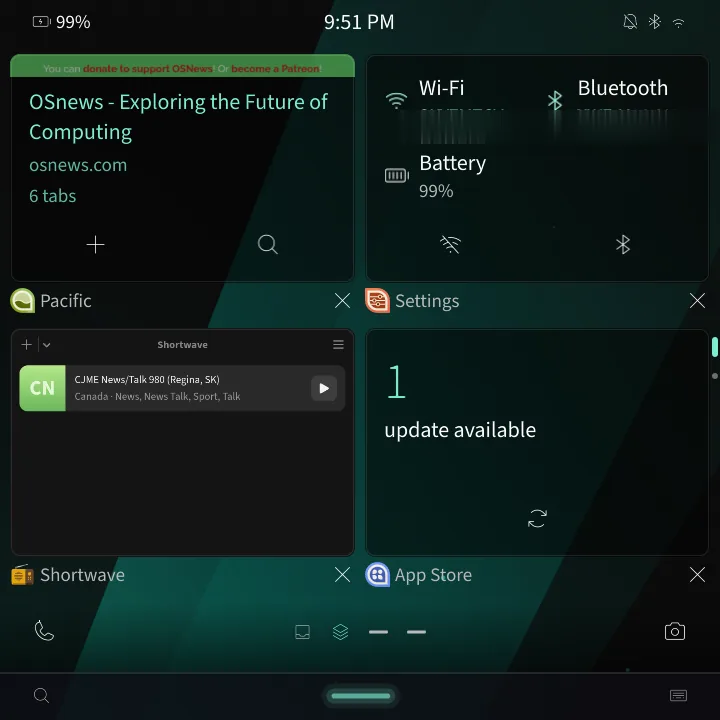
See your open apps.
A longer swipe up brings up live app cards. Tap a card to pick up where you left off.
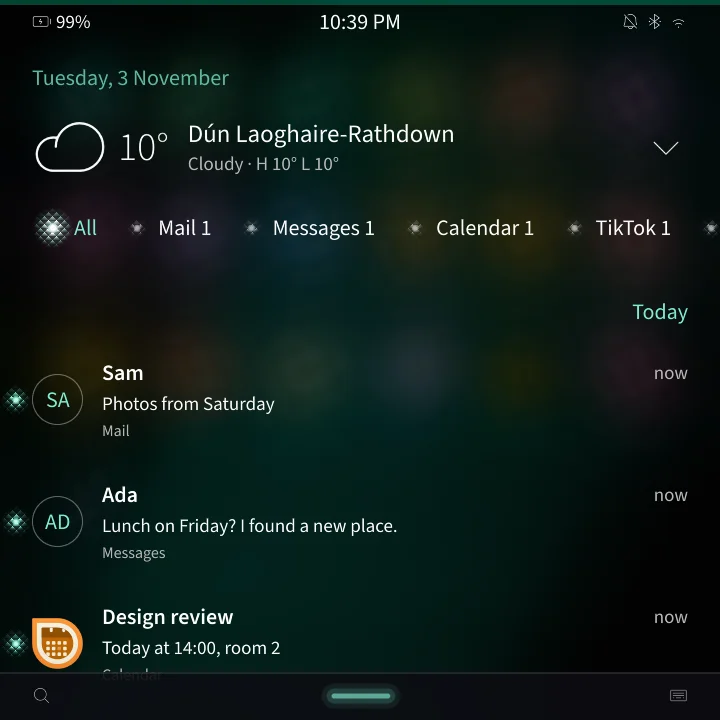
Keep conversations together.
Swipe in from the left edge to peek at the Hub. Reply to supported notifications, including Android ones, without closing your app.
Real screenshots from Marathon OS on the HackberryPi CM5.
Your software
Linux apps, at home on your phone.
Run Linux apps such as Shortwave alongside Marathon and Android apps. They share the phone’s gestures, keyboard and media controls; supported Linux apps also follow your theme.
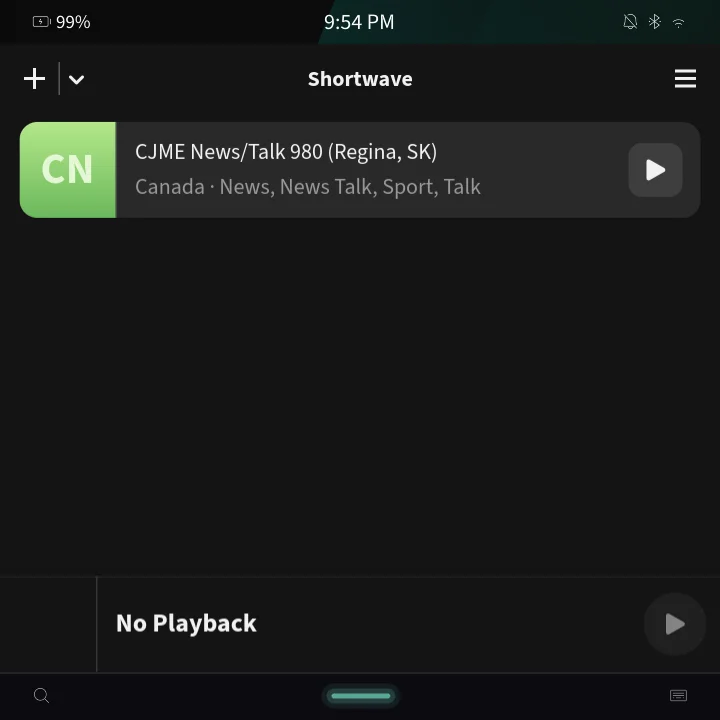
Android compatibility
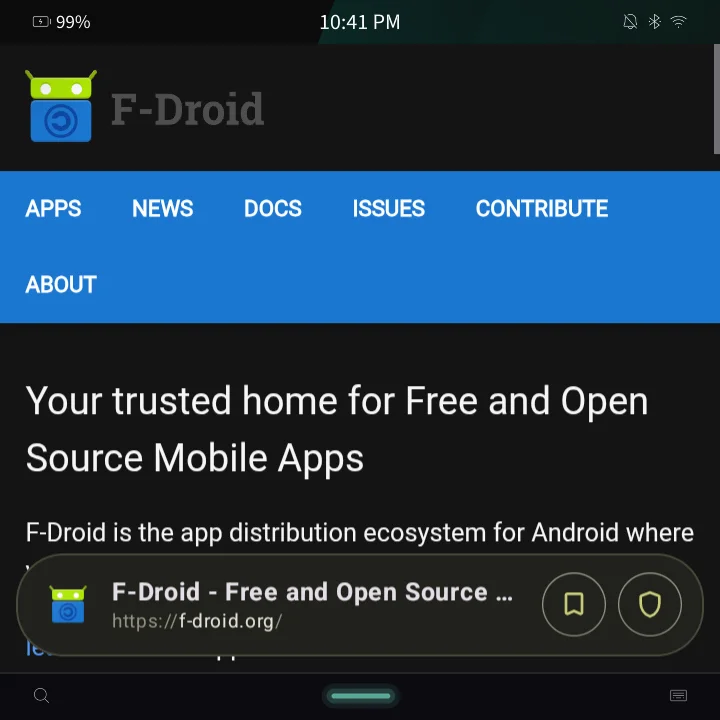
Bring your Android apps.
Deckard runs Android apps in their own Marathon windows, with notifications in the Hub and permissions in Settings. No Google account required.
Everyday details
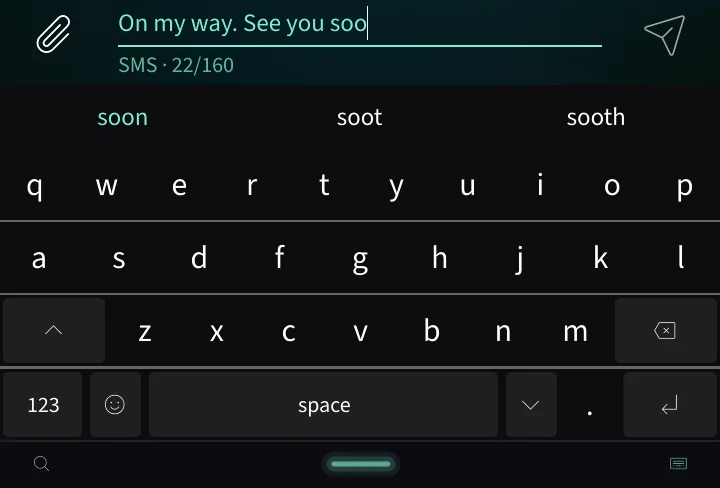
A keyboard that keeps up.
Word prediction, autocorrect and layouts that adapt to what you’re typing. Prefer real keys? Marathon works with hardware keyboards too.
On-device assistance
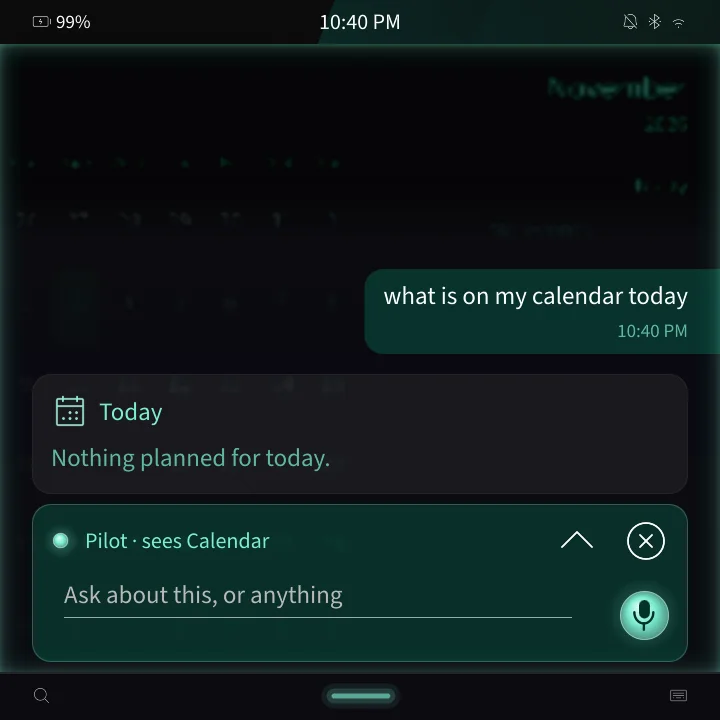
An assistant on your side.
Pilot sets timers and checks your calendar on the phone. Optional cloud access has per-feature consent and a request history; actions that contact someone need your confirmation.
An ecosystem to build on
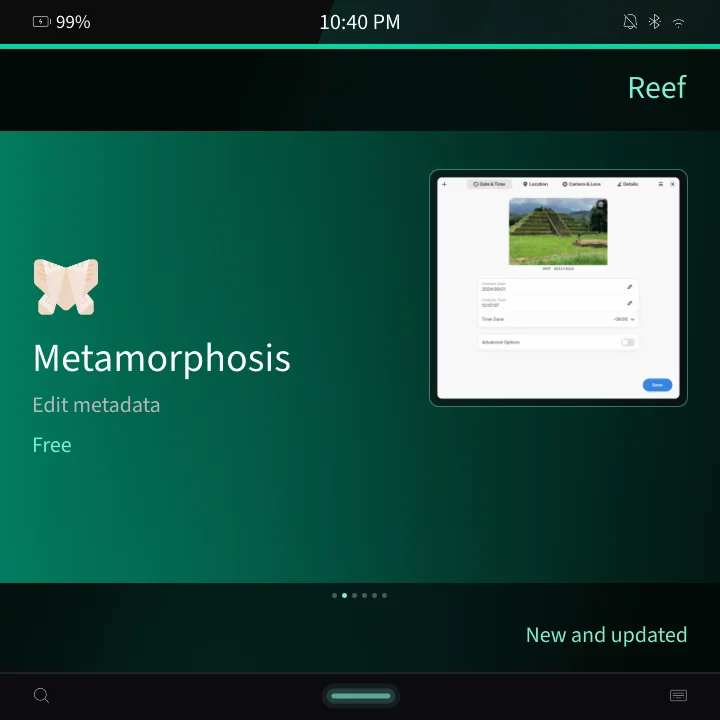
Marathon apps live in Reef.
Reef is the home for apps built with Marathon Kit, alongside Linux apps from Flathub and Android apps from F-Droid. Build your own app with Marathon Kit and publish it through Reef.
Devices & availability
Find your device.
Choose your device, then check its guide and release notes before installing.
| Phone | Hardware keyboard | Development status | Guide |
|---|---|---|---|
| Zinwa Q25 | Yes | Release in preparation | Install & recovery for Zinwa Q25 |
| HackberryPi CM5 | Yes | Primary test device | Build & install for HackberryPi CM5 |
| Purism Librem 5 | No | Primary phone port | Device & recovery for Purism Librem 5 |
| PINE64 PinePhone | No | Boots to setup & shell | Device & install for PINE64 PinePhone |
Image availability and supported features are listed with each release. Check release assets and device notes.
Bringing it to another phone? Read the device guide.
Latest releases.
Release notes and downloads are published on GitHub. Check each release for supported devices and installation instructions.
Take the next step
Try Marathon OS.
Marathon OS is alpha software. First OS images will be published in Marathon-Shell’s GitHub Releases. Choose the image for your device and follow its install guide.
Until your device image is published, you can build from source. Back up before flashing; installation can erase your data.
Questions
What control do I have over Pilot?
Pilot uses an on-device model by default. Cloud features are opt-in, with separate consent for each capability. Its history records the provider, purpose, time and outcome of remote requests, without saving their contents. Outbound or destructive actions require confirmation.
Is Marathon OS based on Android?
Marathon OS is a Linux operating system built on Nura, with its own Wayland compositor, shell and app platform. Android apps run separately through Deckard, a compatibility runtime.
Do I need a Google or Apple account?
No. Marathon OS needs no account. Deckard includes optional microG support for Android apps that use Google push notifications; enabling that connects to Google’s servers without a Google account.
Can it be my only phone?
Marathon includes calls, messages, email, maps and a browser. For the alpha, check your device’s release notes and test the calls and apps you rely on before switching your main phone.
Will every Android app work?
Compatibility depends on the app and device. Apps that require Google certification, Play Integrity or specific hardware may not work. The store checks app requirements before installation.
What about encryption and system updates?
The Q25 and HackberryPi A/B images support PIN-protected encrypted data and signed image updates with rollback support. These depend on the device and image layout; check the release notes for your build.
Can I go back to my old system?
Yes, with your device’s recovery procedure and original firmware. Back up first: installing Marathon can erase data and replace the bootloader. Read the device guide before flashing.
Is it free?
Yes. Marathon OS is free and open source under Apache 2.0. Deckard, the Android runtime, is GPL-3.0-or-later.
Is this BlackBerry?
Marathon is an independent project inspired by BlackBerry 10 and Sailfish OS. It isn’t affiliated with BlackBerry Limited or Jolla.